Sponsored

Interested in an unofficial Apple Watch app?

ciaranob

Well-Known Member
Joined
Jul 3, 2021
Threads
83
Messages
3,547
Reaction score
2,639
Location
Houston, TX
Vehicles
CT4S 2022 Mini Cooper S 2024 Electric in 2025/6
Country flag
OP
OP
electricsidecar

electricsidecar

Well-Known Member
Joined
Oct 15, 2022
Threads
8
Messages
647
Reaction score
830
Location
USA
Website
electricsidecar.app
Vehicles
Volcano Gray Taycan 2022
Country flag
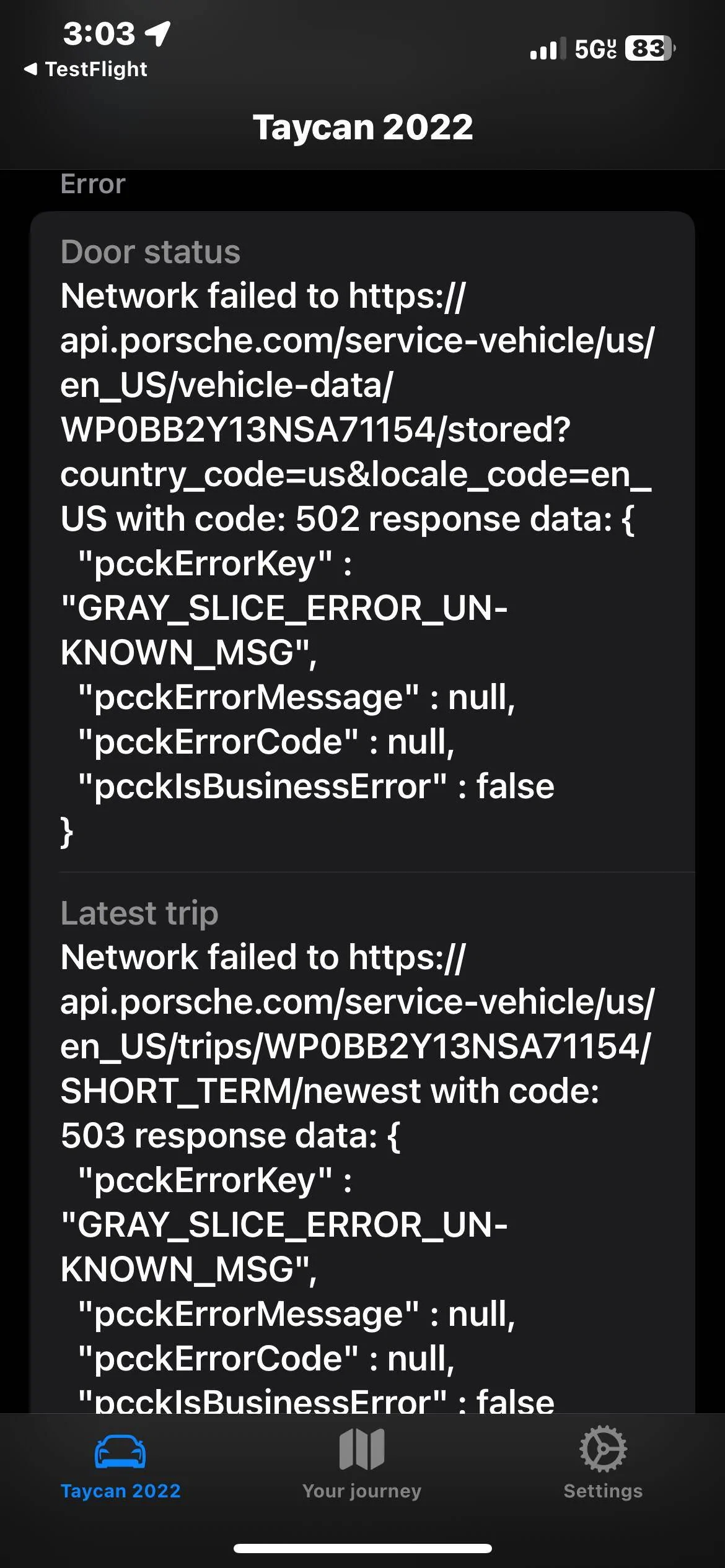
Yeah there's a global Porsche Connect outage at the moment. These typically last ~6 hours based on the last 5-6 of these outages this month.
 

ColinTheBandit

Well-Known Member
First Name
Colin
Joined
Sep 21, 2023
Threads
2
Messages
70
Reaction score
32
Location
UK
Vehicles
Taycan 4S Cross Turismo
Country flag
Have the new updates to the screen been pushed through yet or are you still working on that?
By this I mean the one with the map etc
Thanks in advance
 
OP
OP
electricsidecar

electricsidecar

Well-Known Member
Joined
Oct 15, 2022
Threads
8
Messages
647
Reaction score
830
Location
USA
Website
electricsidecar.app
Vehicles
Volcano Gray Taycan 2022
Country flag
Have the new updates to the screen been pushed through yet or are you still working on that?
By this I mean the one with the map etc
Thanks in advance
Storage mode hasn’t been pushed out yet. Will have to wait til Porsche connect is back online before I can because I still need to test the new endpoints.
 
OP
OP
electricsidecar

electricsidecar

Well-Known Member
Joined
Oct 15, 2022
Threads
8
Messages
647
Reaction score
830
Location
USA
Website
electricsidecar.app
Vehicles
Volcano Gray Taycan 2022
Country flag
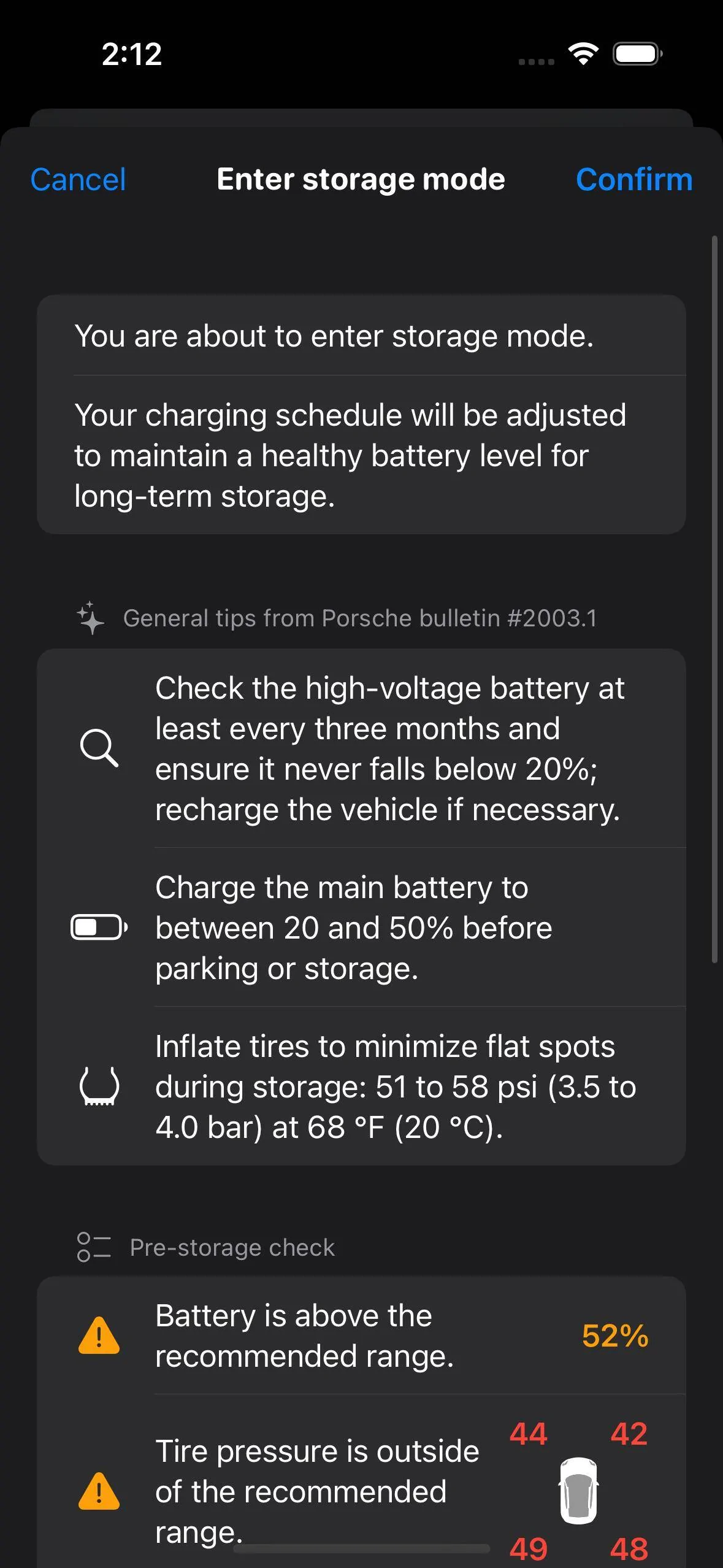
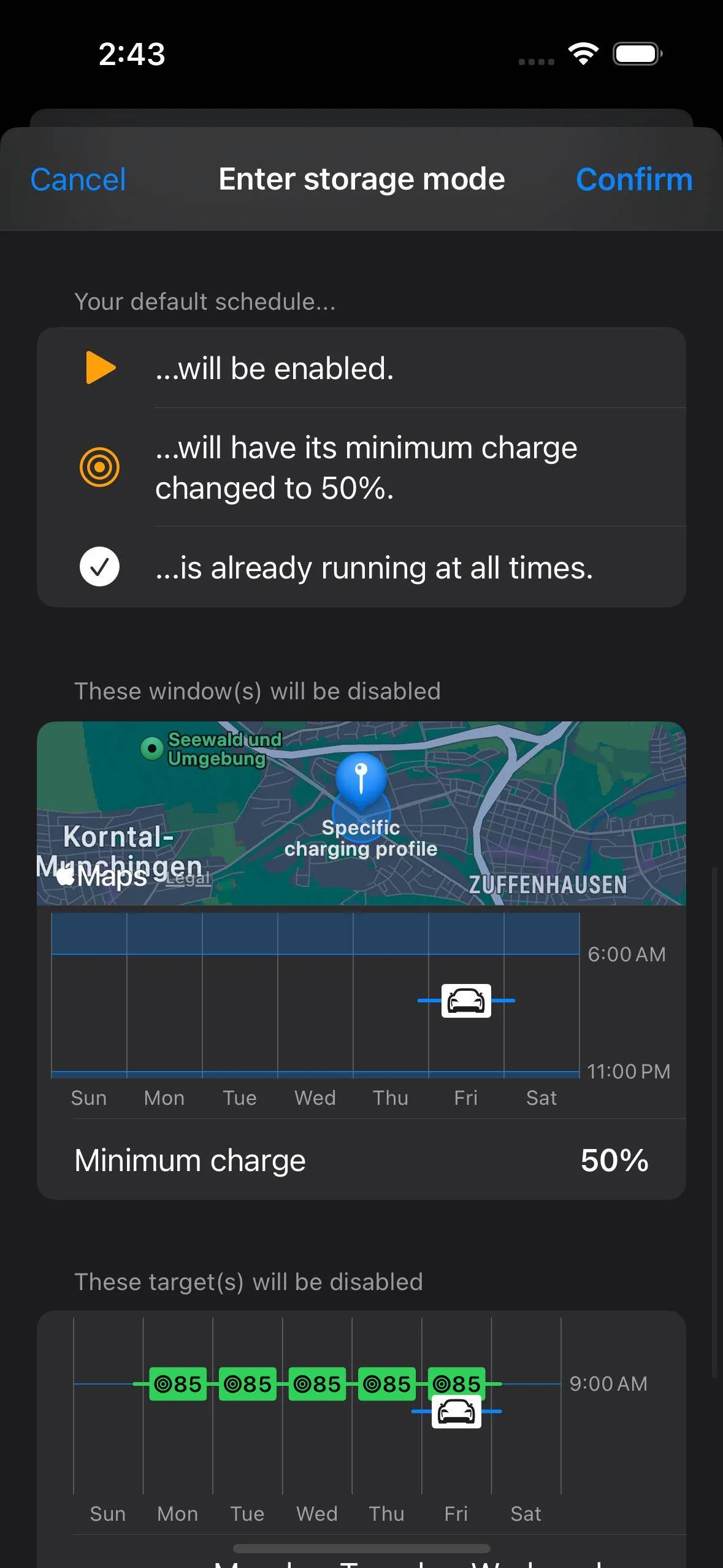
Continuing to make progress on Storage Mode. Working on a flow for entering/leaving the mode that surfaces relevant details from Porsche's official bulletins and correlates them with current data from the car:

Porsche Taycan Interested in an unofficial Apple Watch app? Simulator Screenshot - iPhone 15 - 2023-12-08 at 14.12.19


slowpoak

Member
Joined
Dec 8, 2023
Threads
1
Messages
13
Reaction score
6
Location
Long Island, NY
Vehicles
2024 Porsche Taycan GTS Sport Turismo
Country flag
Morning and thank you for developing this application. I followed the steps to get things loaded up / installed and noticed that some of the Complications on my Apple Watch does not match what I have seen other folks have. I can only access the Range and Charge %. Is there something I am missing? Thank you!!
 
OP
OP
electricsidecar

electricsidecar

Well-Known Member
Joined
Oct 15, 2022
Threads
8
Messages
647
Reaction score
830
Location
USA
Website
electricsidecar.app
Vehicles
Volcano Gray Taycan 2022
Country flag
Morning and thank you for developing this application. I followed the steps to get things loaded up / installed and noticed that some of the Complications on my Apple Watch does not match what I have seen other folks have. I can only access the Range and Charge %. Is there something I am missing? Thank you!!
if you’re referring to the battery history widget, that one can only be added to watch faces such as Modular Ultra, that support rectangular complications.

Or were you referring to something else?


slowpoak

Member
Joined
Dec 8, 2023
Threads
1
Messages
13
Reaction score
6
Location
Long Island, NY
Vehicles
2024 Porsche Taycan GTS Sport Turismo
Country flag
if you’re referring to the battery history widget, that one can only be added to watch faces such as Modular Ultra, that support rectangular complications.

Or were you referring to something else?
Thank you for the reply.

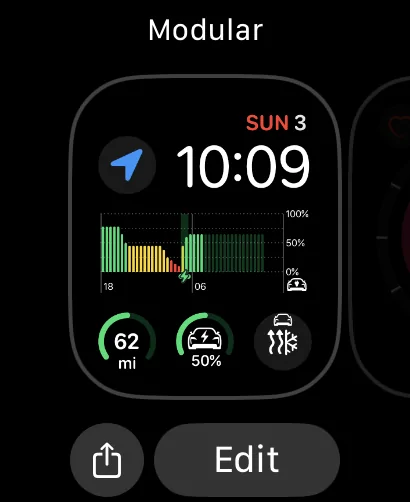
Correct, I was referring to the Battery History and Preheat/Cool. I noticed a user was able to use the Modular face and have 4 Complications, Charge %, Range, Batter History and Pre-Heat/Cool.
 
OP
OP
electricsidecar

electricsidecar

Well-Known Member
Joined
Oct 15, 2022
Threads
8
Messages
647
Reaction score
830
Location
USA
Website
electricsidecar.app
Vehicles
Volcano Gray Taycan 2022
Country flag
No worries! Questions like this definitely aren't spam.

The climatization control should definitely appear as an option for any circular complication, but the battery history one will require one of the larger rectangular complication spaces that are only available on watch faces like Modular and Modular Ultra.

Which kind of Apple Watch are you using? And which Electric Sidecar complications do you see when editing your complications on your watch?
 

slowpoak

Member
Joined
Dec 8, 2023
Threads
1
Messages
13
Reaction score
6
Location
Long Island, NY
Vehicles
2024 Porsche Taycan GTS Sport Turismo
Country flag
No worries! Questions like this definitely aren't spam.

The climatization control should definitely appear as an option for any circular complication, but the battery history one will require one of the larger rectangular complication spaces that are only available on watch faces like Modular and Modular Ultra.

Which kind of Apple Watch are you using? And which Electric Sidecar complications do you see when editing your complications on your watch?
I am using an Apple Watch 6 Model M07H3LL/A2294

When using the Modular face, the bottoms 3 complications (left, center, right) only show Charge % and Range as an option.
The middle center large rectangle complication does not have any options for sidecar.
Within the Sidecar app in settings I only see 2 widgets that I can edit, Charge and Range. These happen to be the only 2 complications I see in the watch.
 
OP
OP
electricsidecar

electricsidecar

Well-Known Member
Joined
Oct 15, 2022
Threads
8
Messages
647
Reaction score
830
Location
USA
Website
electricsidecar.app
Vehicles
Volcano Gray Taycan 2022
Country flag
It's possible you're running an old version of ElectricSidecar on your watch. You can check by opening the app on your watch, going to Settings > About. You should be on v1.4.0-40.
 
OP
OP
electricsidecar

electricsidecar

Well-Known Member
Joined
Oct 15, 2022
Threads
8
Messages
647
Reaction score
830
Location
USA
Website
electricsidecar.app
Vehicles
Volcano Gray Taycan 2022
Country flag
Ahh yes, that'd do it! You'll need to manually update via TestFlight. In the Electric Sidecar page within testflight the app's main button should say "Update". If not, then check the "Show App on Apple Watch" switch on that page; if it's off, you'll need to toggle it on to update the app.

If the app says it's up-to-date and "Show App on Apple Watch" is already enabled, then you'll have to delete the app from the watch and then reinstall it via TestFlight.
Sponsored


Top