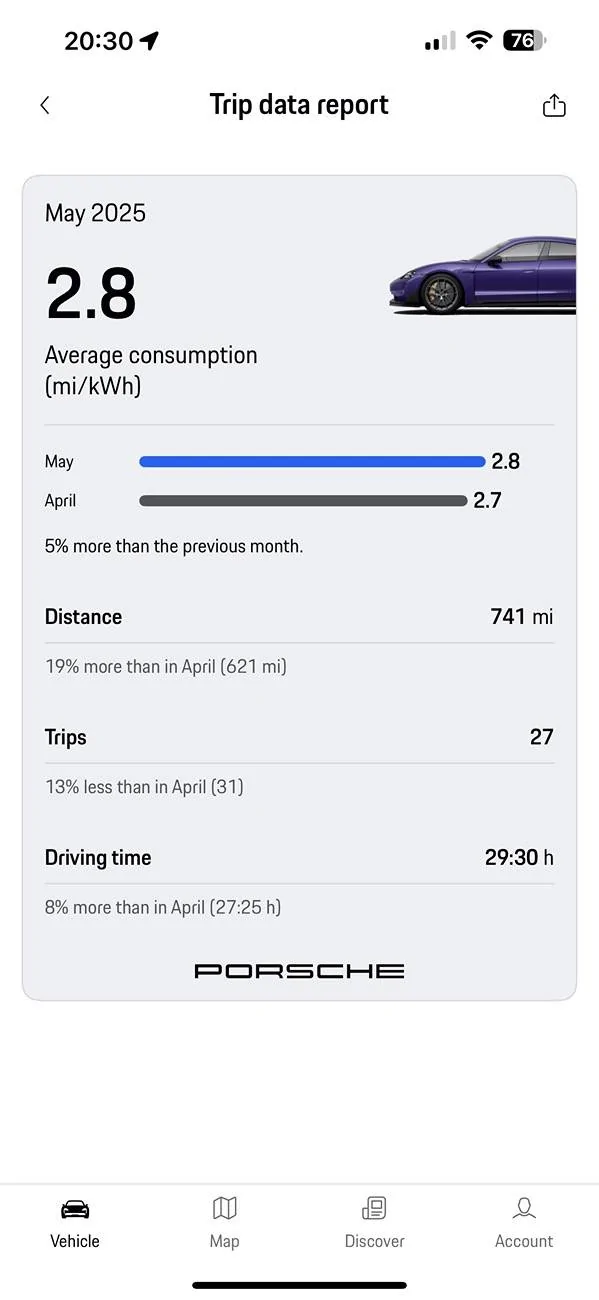
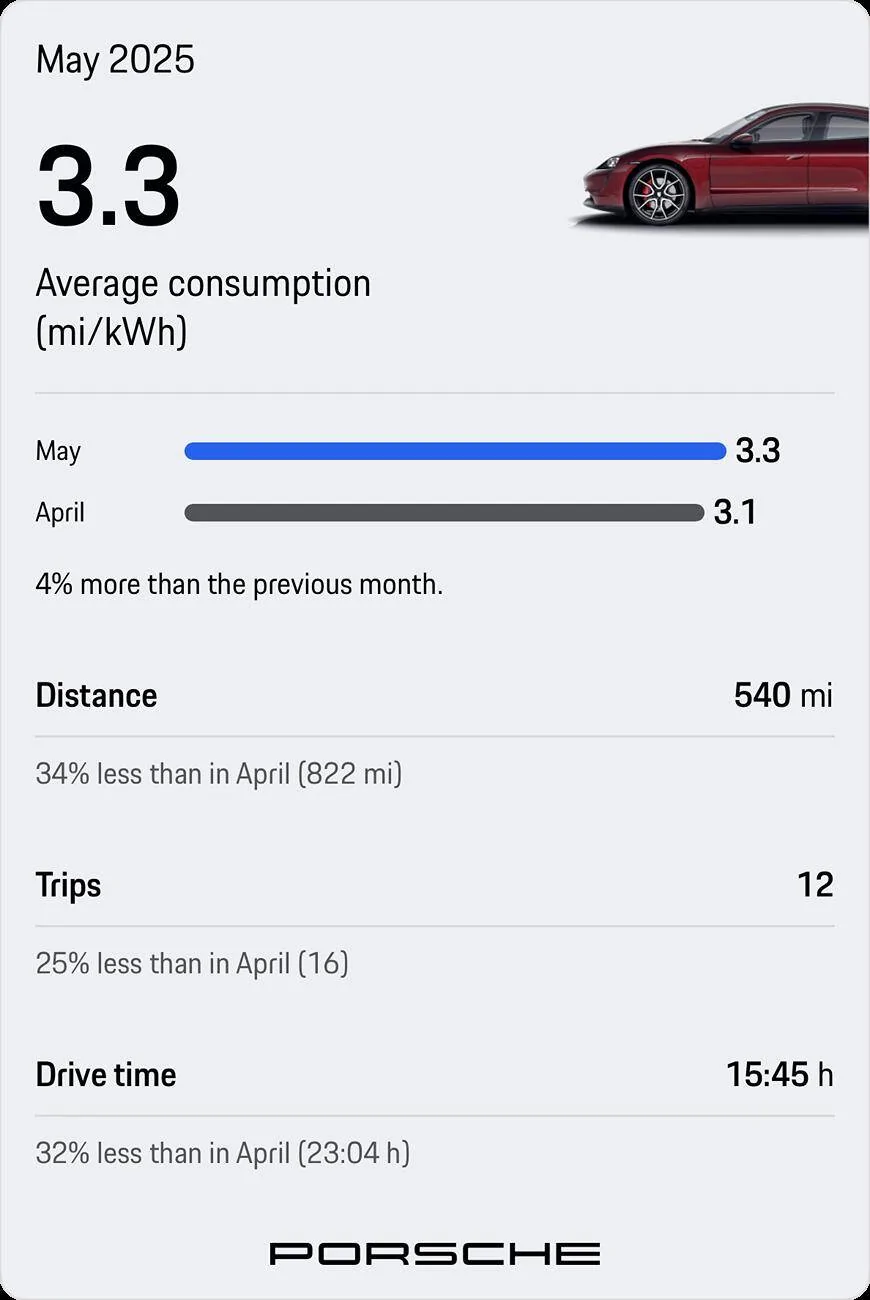
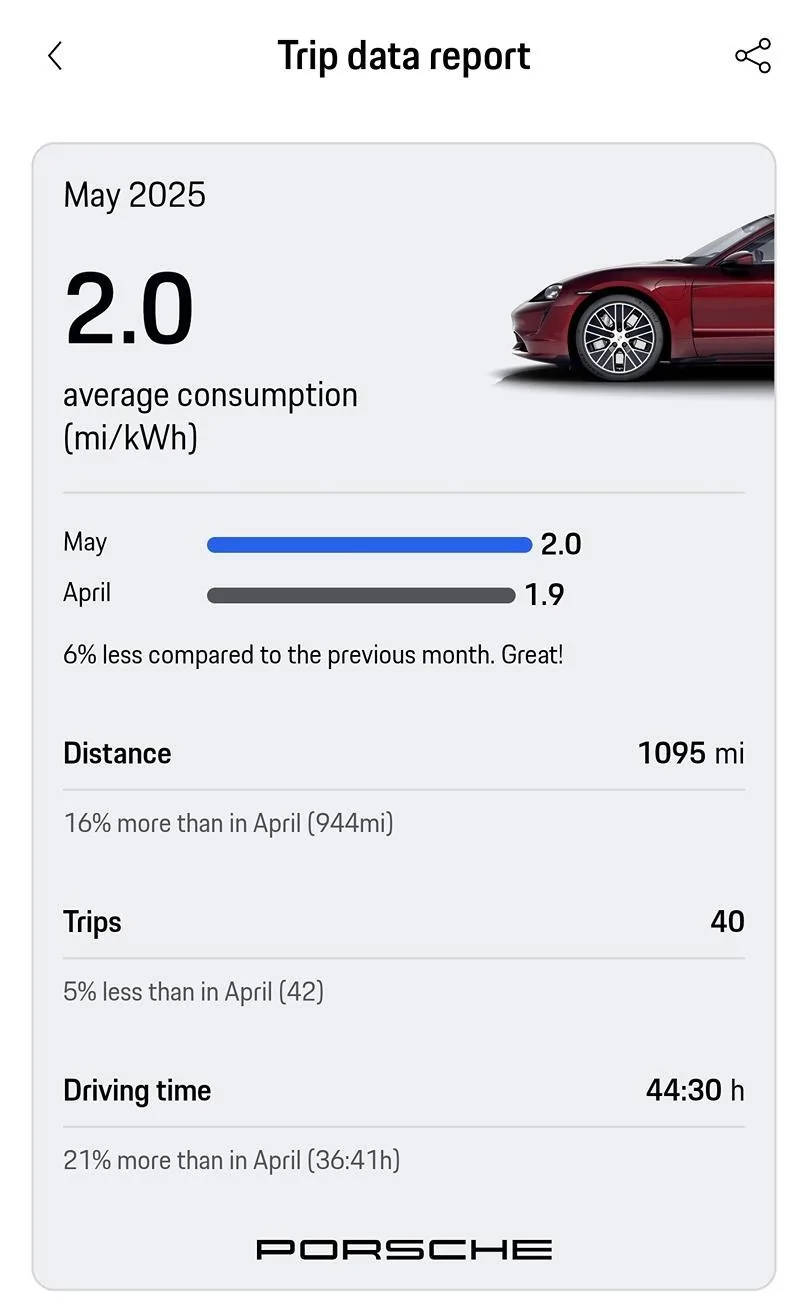
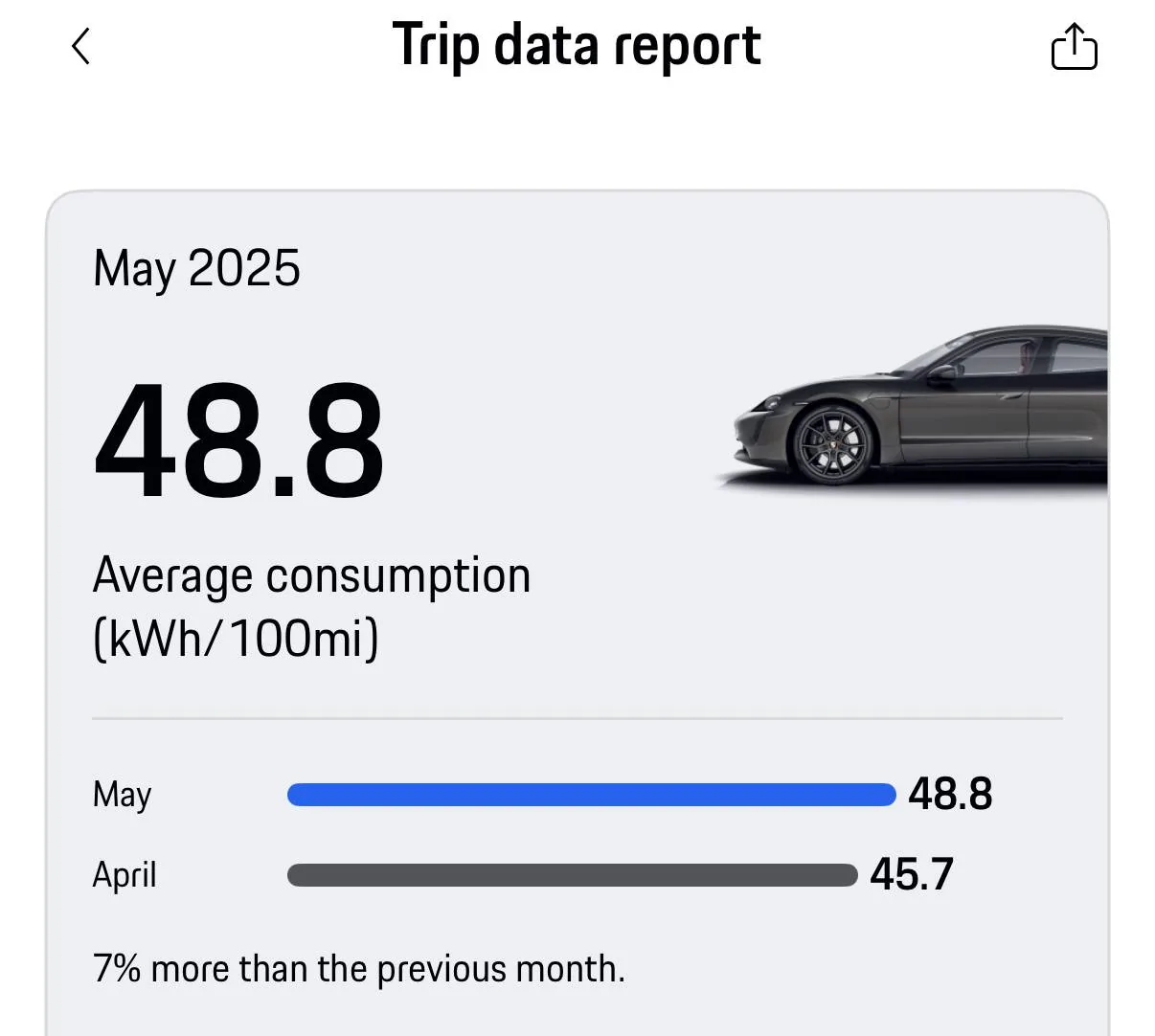
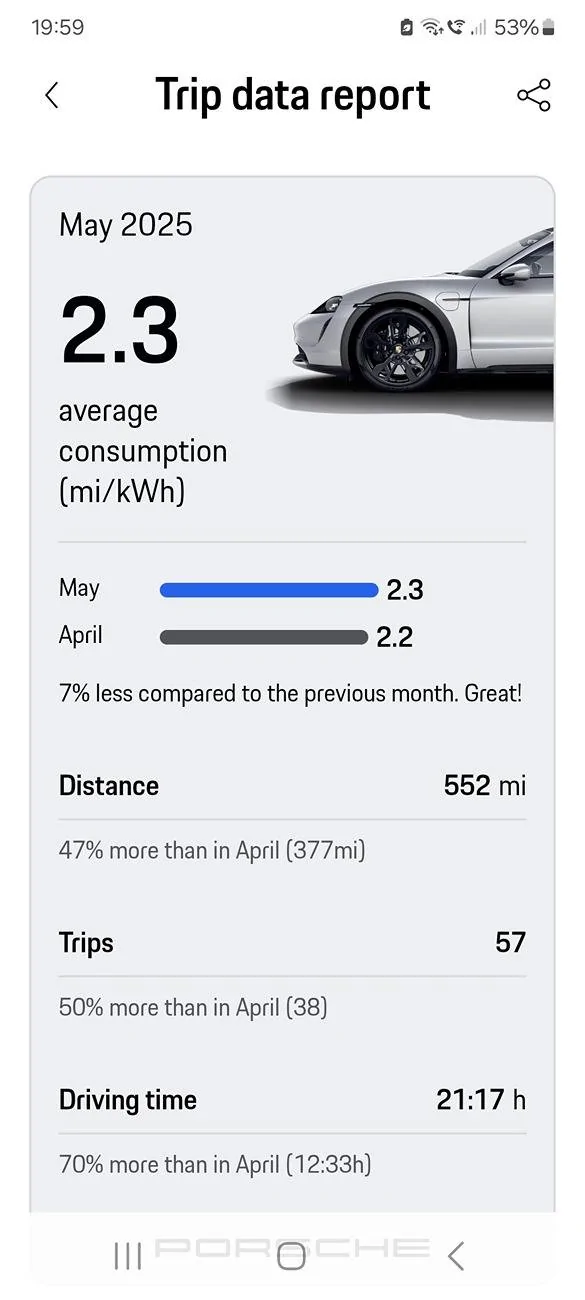
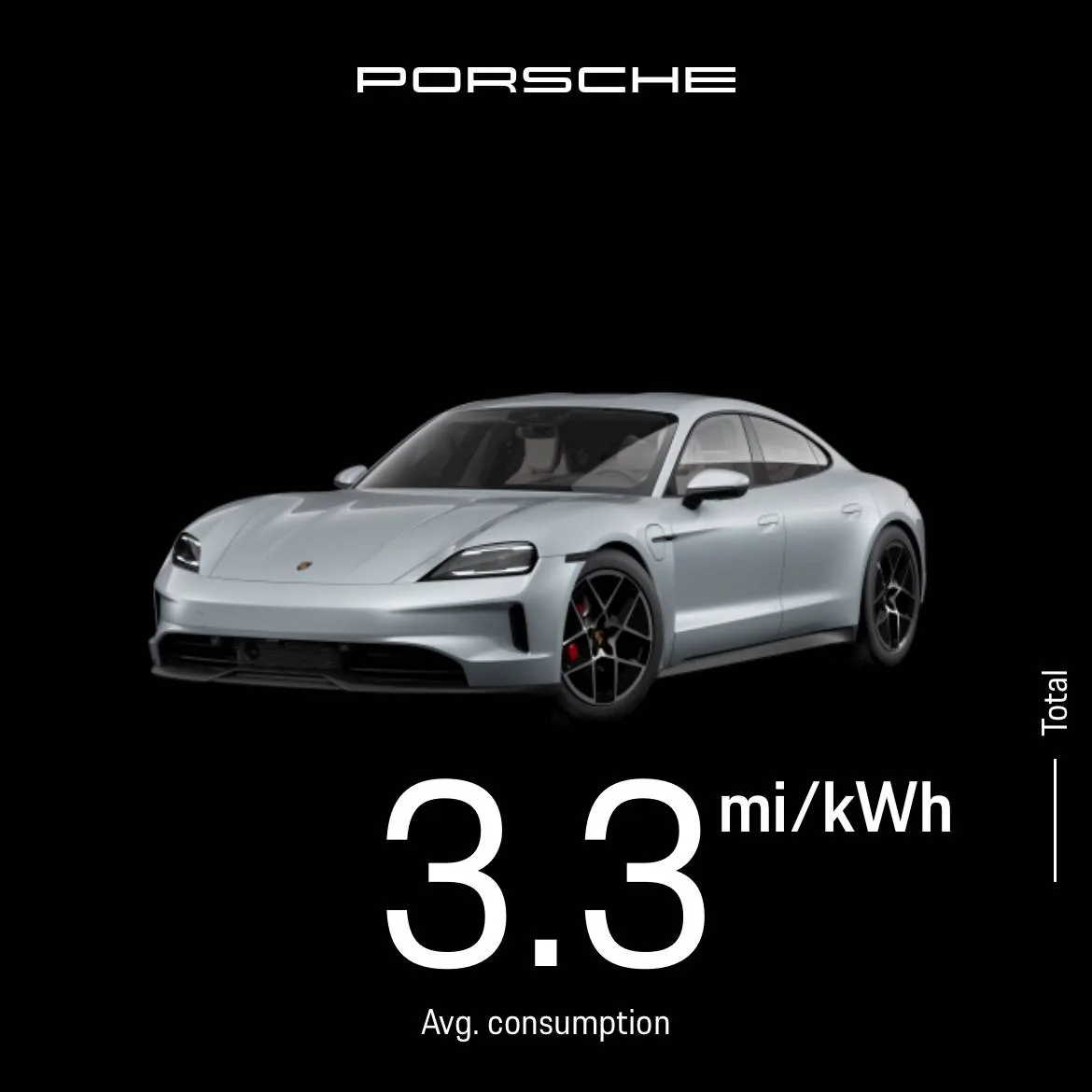
Thank you for this. When I go to ‘vehicle details’ - ‘trip data’ and scroll down I don’t get a ‘trip data report’ option. There is a ‘share trip data’ but this doesn’t give the same info as everyone is posting here. Maybe it’s because I’ve only had the car 6 weeks (it’s a second hand car, not new).
Thank you for this. When I go to ‘vehicle details’ - ‘trip data’ and scroll down I don’t get a ‘trip data report’ option. There is a ‘share trip data’ but this doesn’t give the same info as everyone is posting here. Maybe it’s because I’ve only had the car 6 weeks (it’s a second hand car, not new).
Share reports nothing for me (empty message), but I can still see it in the screen, so do a screen capture and send it to myself. Then again, my MyPorsche on iPhone thinks it's been April for last 3 months, so maybe not a surprise the share feature shares empty messages.