McgR
Well-Known Member
- Joined
- Sep 27, 2021
- Threads
- 37
- Messages
- 1,740
- Reaction score
- 1,603
- Location
- Belgium
- Vehicles
- Taycan CT 4

- Thread starter
- #1
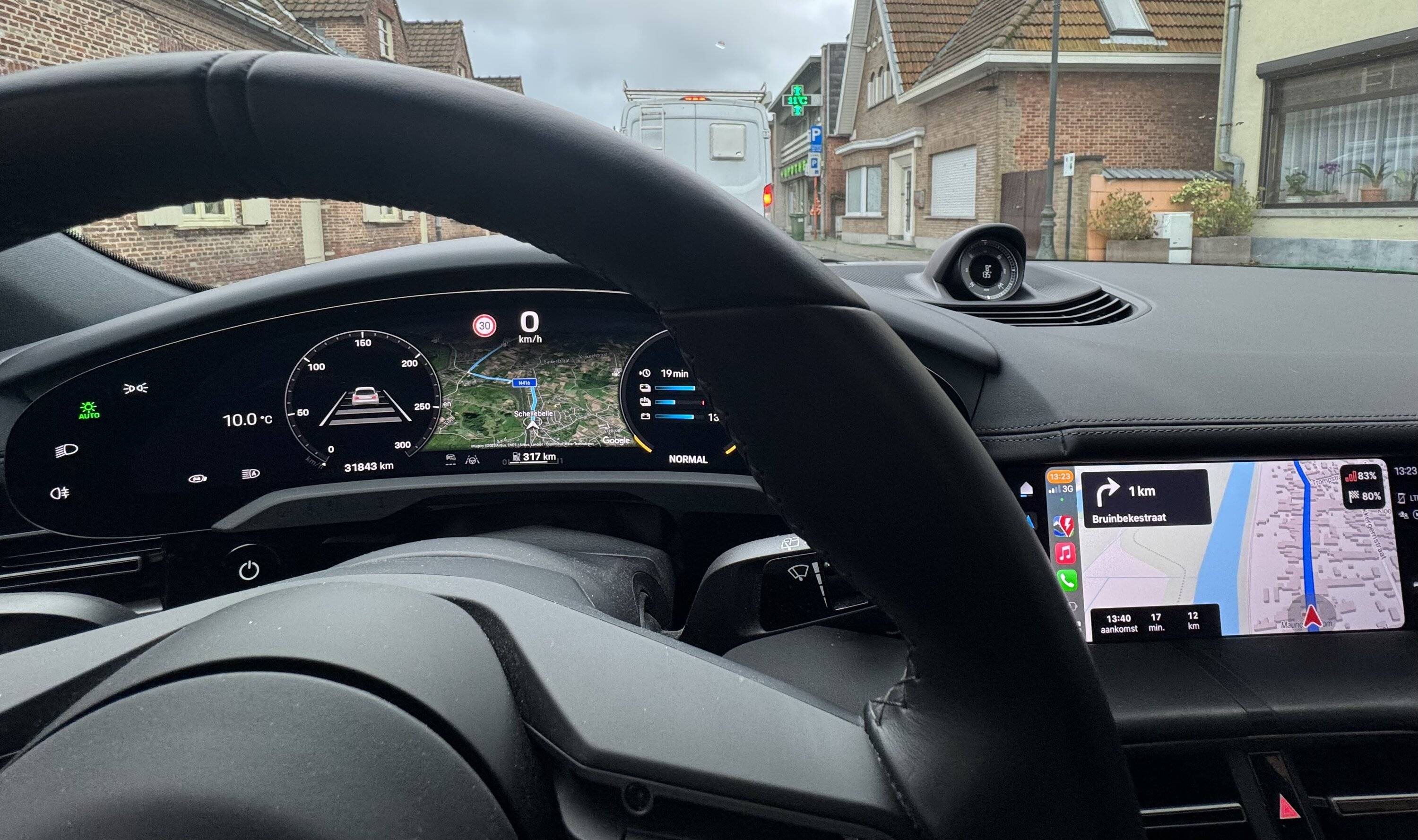
I knew that I could use Tom Tom in CarPlay simultaneously with PCM. Today I found out it also works with ABRP.
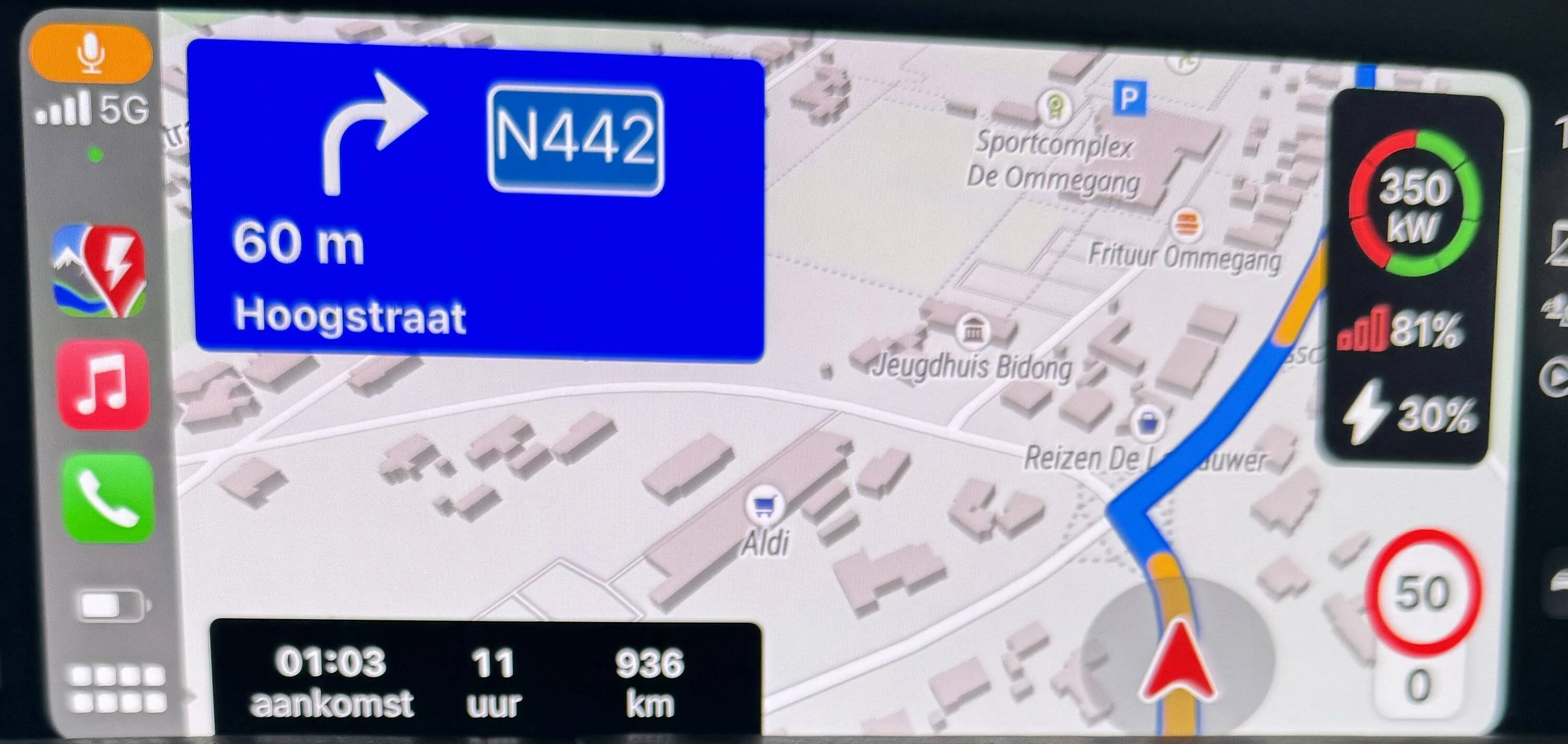
Enter a route in ABRP. Then push the blue pcm button. PCM navigation will show and can start navigation. When pushing the CarPlay button the central screen will switch back to ABRP the dashboard and HUD will continue with PCM.
This way navigation can be done with ABRP but it will still pre condition the battery with PCM navigation. And give the predicted range on arrival. Which is only accurate with active navigation.
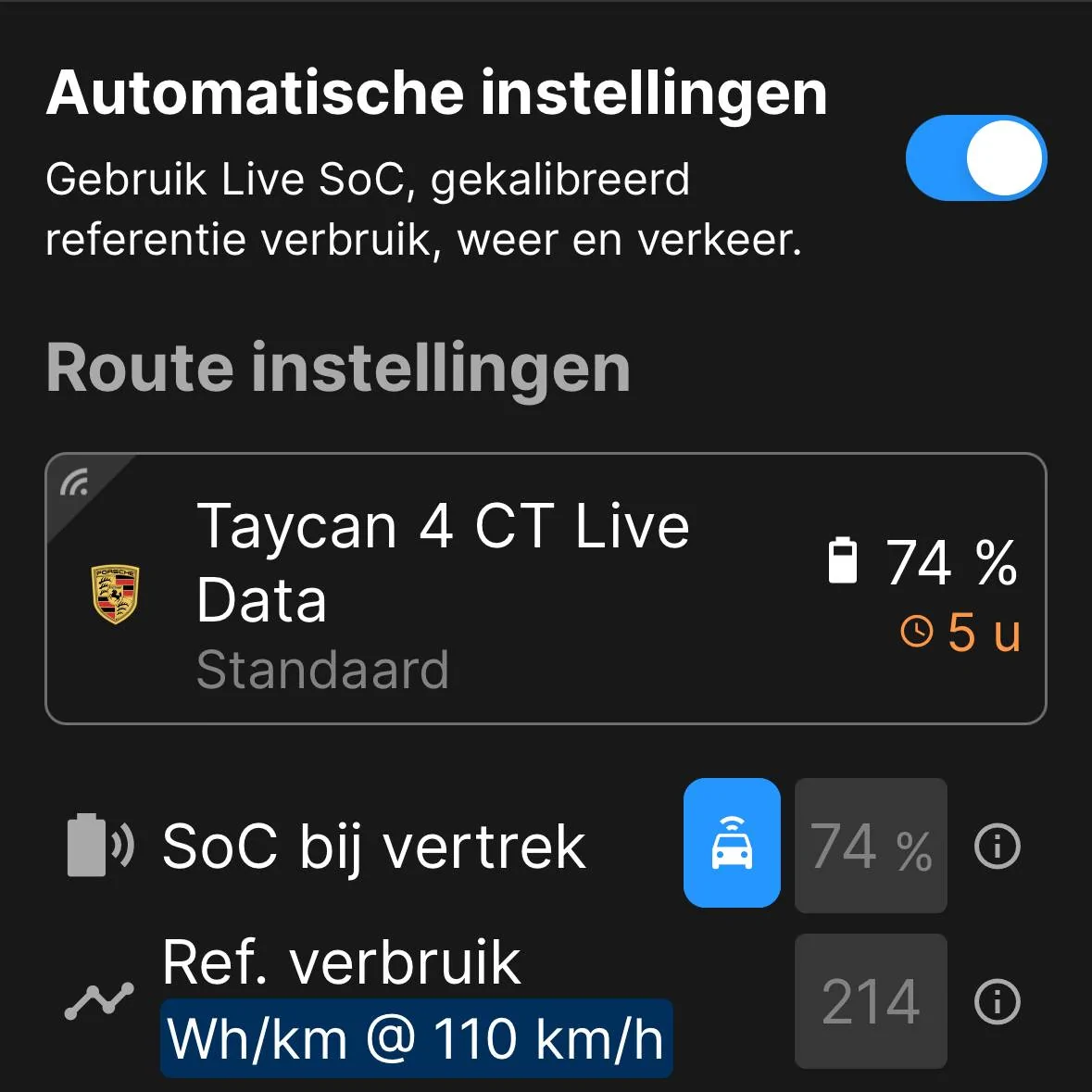
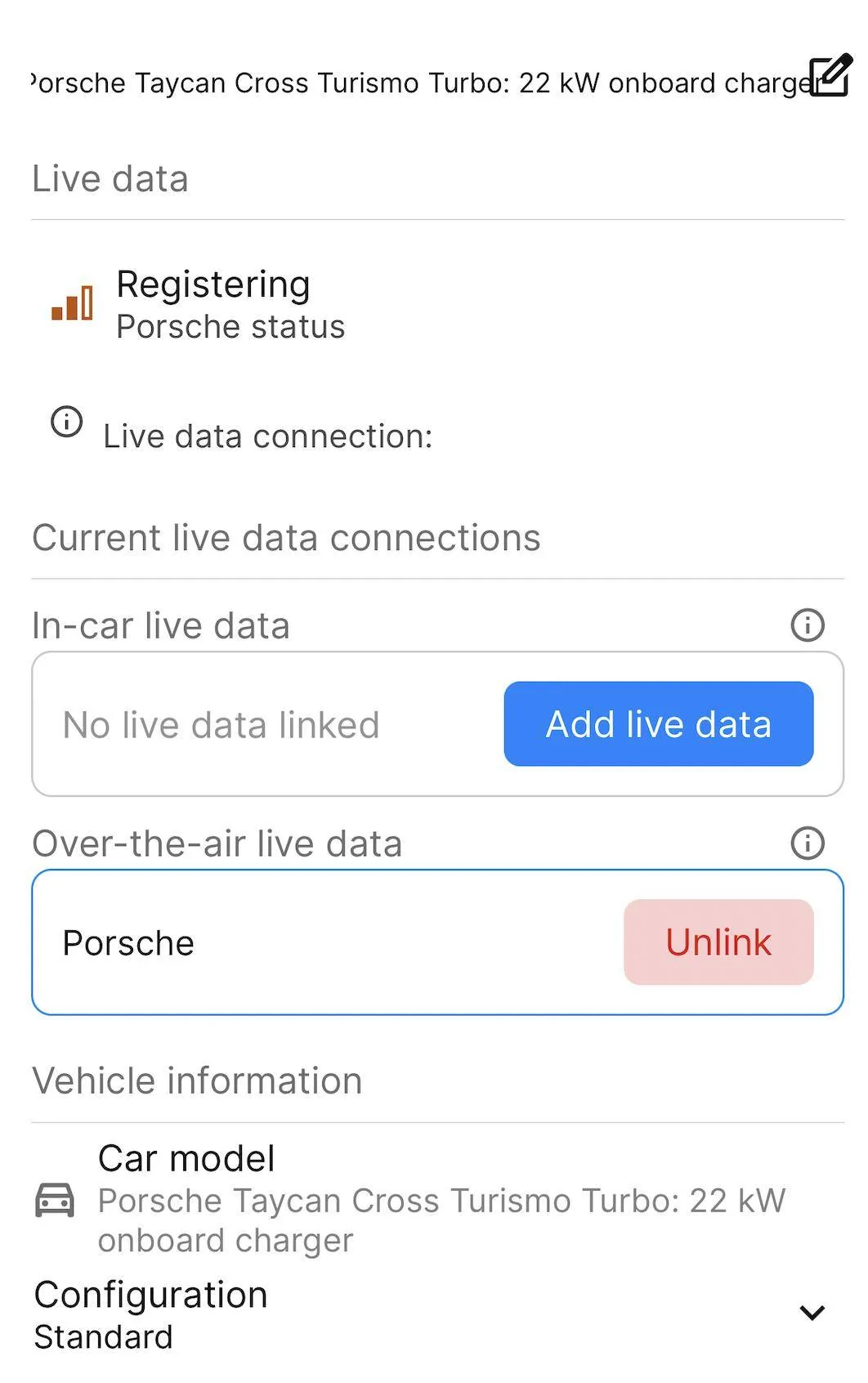
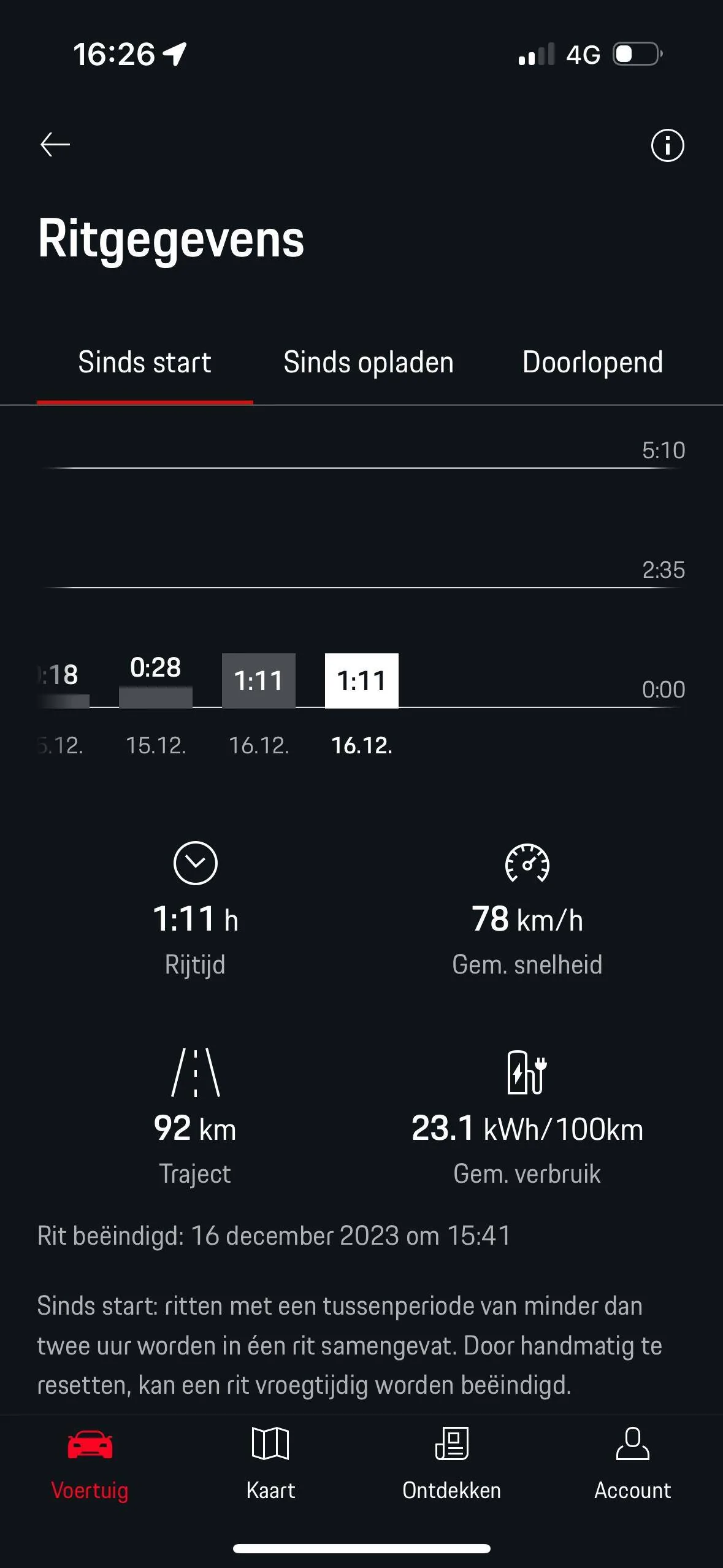
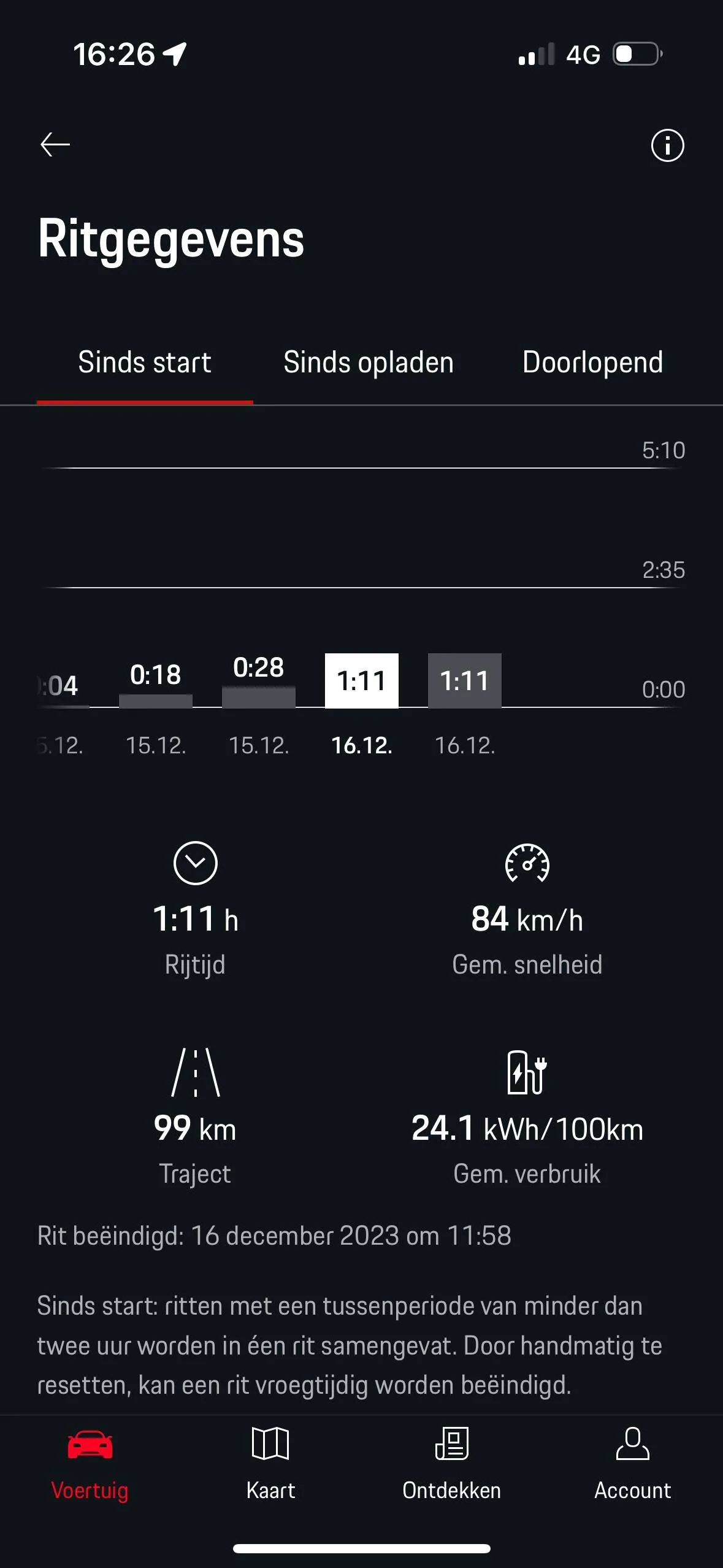
Since a couple of weeks it is also possible to synchronize ABRP with Porsche app and it uses the current SoC and kWh/100 km. It was a bit delayed but worked. Still have to do a long trip to see how it works. Before this was only possible with Tronity.
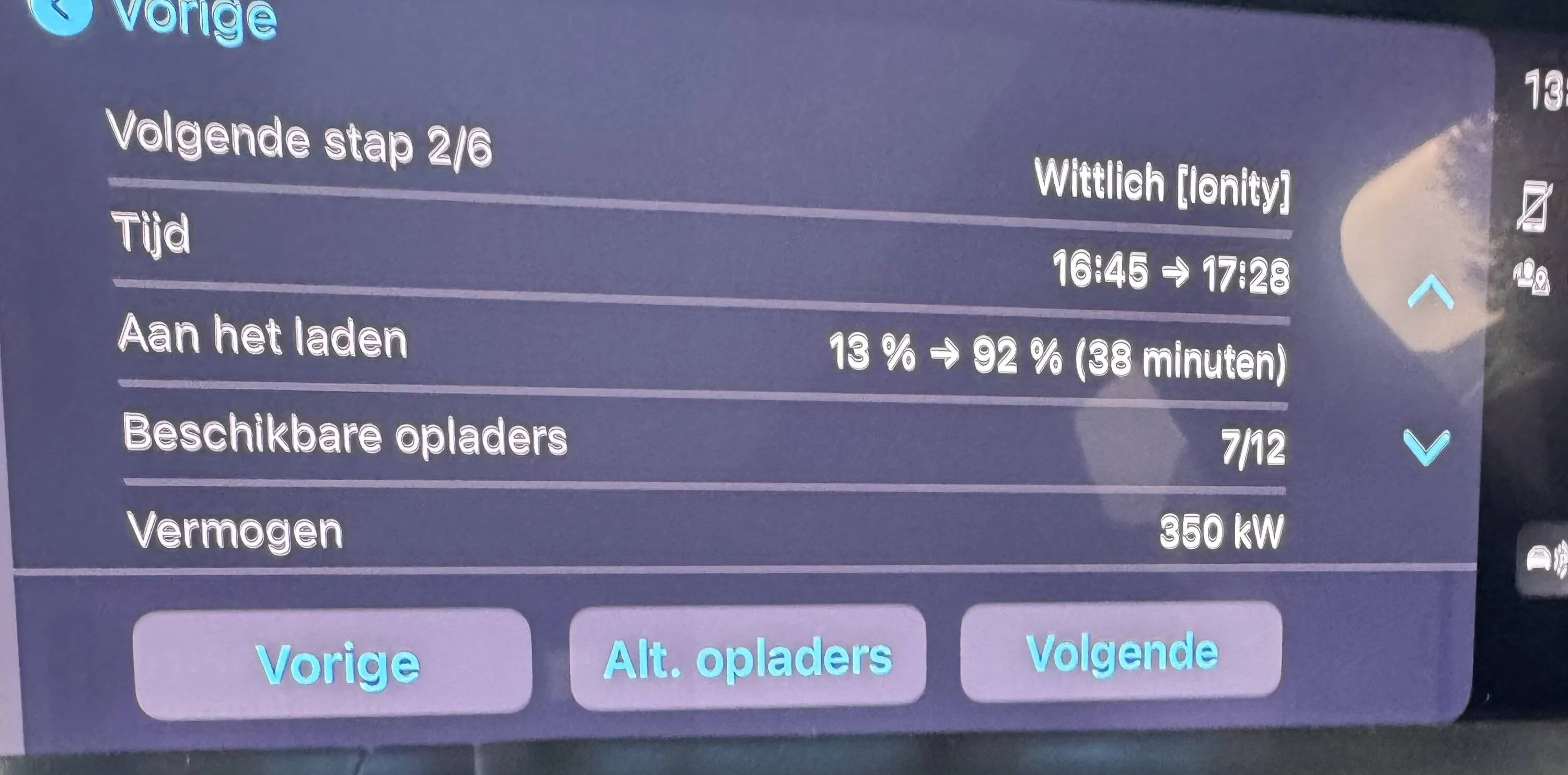
ABRP navigation is quite nice. Shows the free chargers , soc on arrival kw of the charger.
negative point: when recalculating the route on ABRP it does stop PCM and has to be reentered.


Enter a route in ABRP. Then push the blue pcm button. PCM navigation will show and can start navigation. When pushing the CarPlay button the central screen will switch back to ABRP the dashboard and HUD will continue with PCM.
This way navigation can be done with ABRP but it will still pre condition the battery with PCM navigation. And give the predicted range on arrival. Which is only accurate with active navigation.
Since a couple of weeks it is also possible to synchronize ABRP with Porsche app and it uses the current SoC and kWh/100 km. It was a bit delayed but worked. Still have to do a long trip to see how it works. Before this was only possible with Tronity.
ABRP navigation is quite nice. Shows the free chargers , soc on arrival kw of the charger.
negative point: when recalculating the route on ABRP it does stop PCM and has to be reentered.
Sponsored