Sponsored

Tesla charge for non Tesla.

simcity

Well-Known Member
First Name
Sean
Joined
May 22, 2022
Threads
40
Messages
1,546
Reaction score
1,288
Location
Suffolk, UK
Vehicles
'23 Taycan Turbo
Country flag
I can't for the life of me find where to do this from the Tesla app, am I missing something?

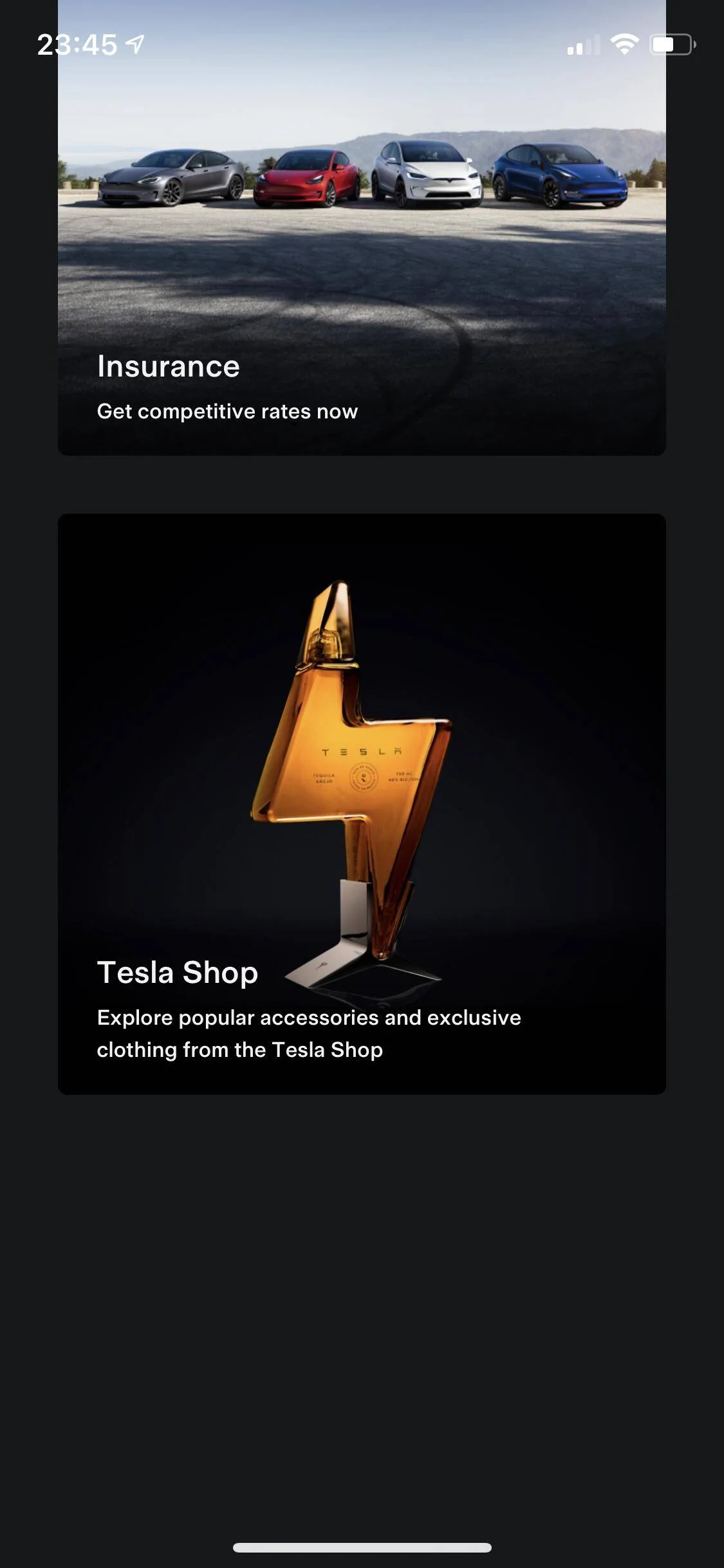
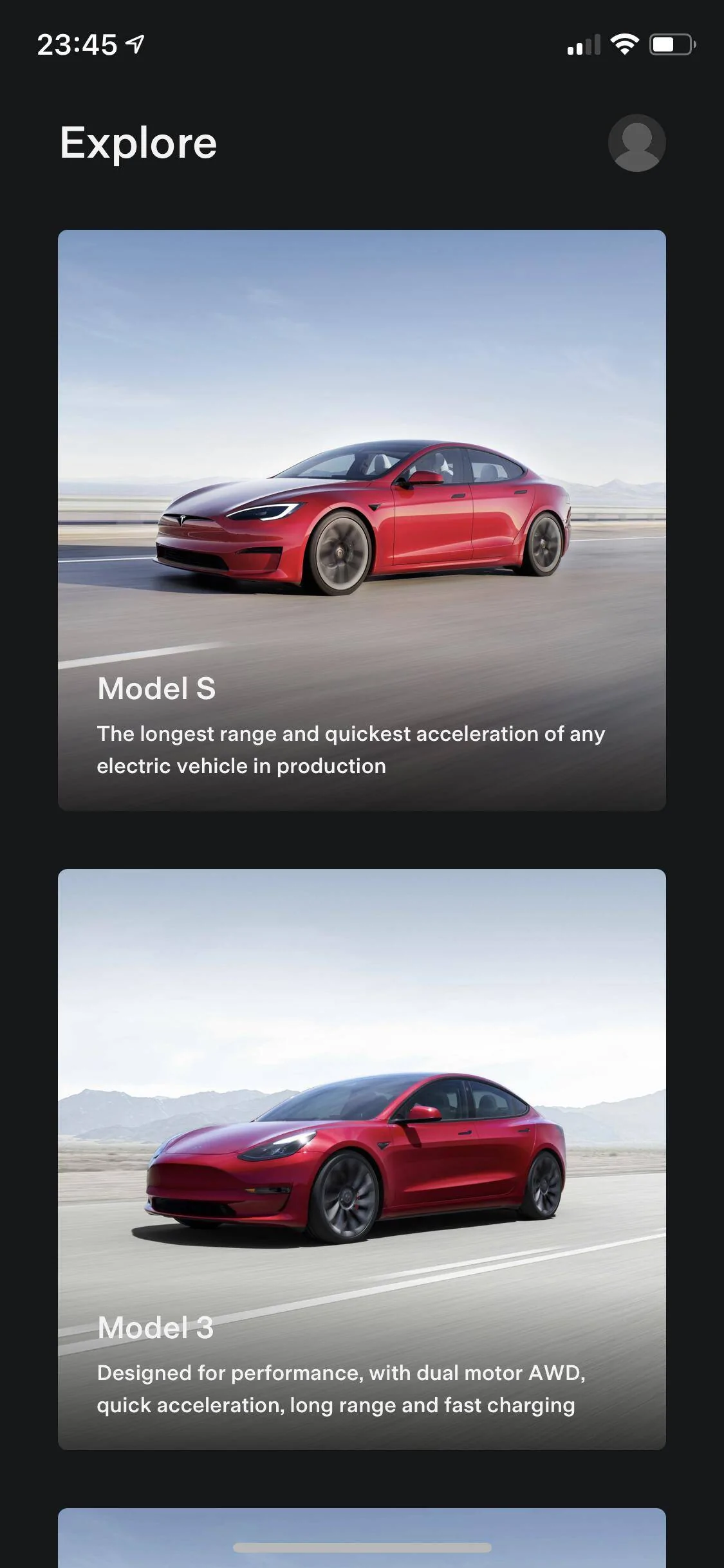
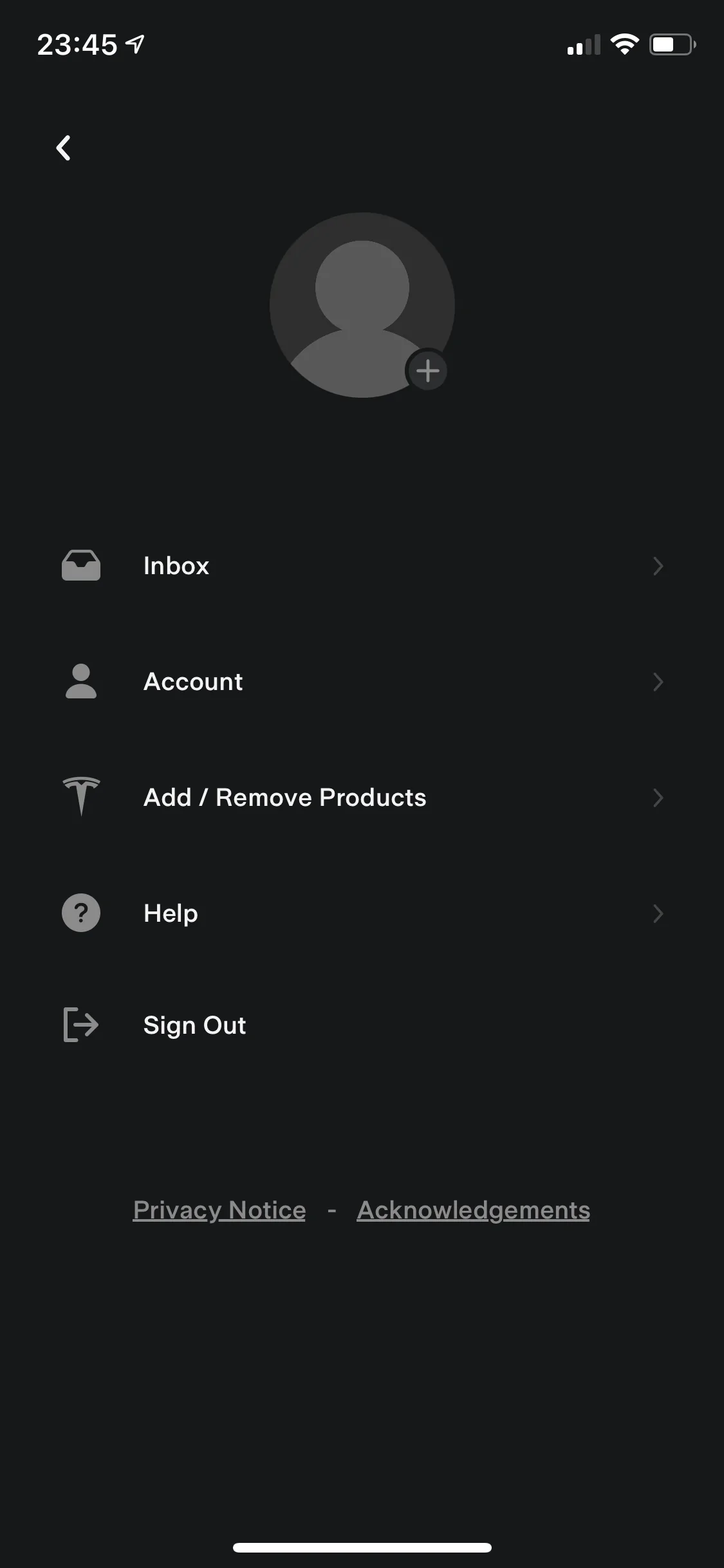
These are the only pages I can see:

IMG_1572.PNG


IMG_1571.PNG


IMG_1570.PNG
Have you actually signed up for a Tesla account and have a CC on record?
Sponsored


legataycan

Well-Known Member
Joined
Sep 29, 2020
Threads
7
Messages
117
Reaction score
26
Location
UK
Vehicles
Taycan 4S, 981 Boxster
Country flag
Have you actually signed up for a Tesla account and have a CC on record?
I’ve signed up and am signed in with my account. When I go to “wallet” in the app it appears to be set up with my Apple Pay.

EDIT: As a test I just added my CC details directly to the app / my account but no “charge a non-Tesla” options have appeared. I’ve checked and I’m using the latest version of the app.
 

simcity

Well-Known Member
First Name
Sean
Joined
May 22, 2022
Threads
40
Messages
1,546
Reaction score
1,288
Location
Suffolk, UK
Vehicles
'23 Taycan Turbo
Country flag
I’ve signed up and am signed in with my account. When I go to “wallet” in the app it appears to be set up with my Apple Pay.

EDIT: As a test I just added my CC details directly to the app / my account but no “charge a non-Tesla” options have appeared. I’ve checked and I’m using the latest version of the app.
So on my app (on iOS its version 4.10.0); open it, then click on my mug shot in the top right corner. This brings up my account page. In the middle it has various tiles -> scroll all the way to the right - its not visible at first and the last tile is "Charge Your Non-Tesla"
 

legataycan

Well-Known Member
Joined
Sep 29, 2020
Threads
7
Messages
117
Reaction score
26
Location
UK
Vehicles
Taycan 4S, 981 Boxster
Country flag
S0 on my app, when I open it, then click on my mug shot in the top right corner. This brings up my account page. In the middle it has various tiles -> scroll all the way to the right - its not visible at first and the last tile is "Charge Your Non-Tesla"
This is what the guides online say too. However when I tap on the profile picture I’m taken to my account page but there are no such tiles.

I’ve tried signing out and back in again as well as deleting and redownloading the app to no avail.

Are you using iOS or Android?
 

simcity

Well-Known Member
First Name
Sean
Joined
May 22, 2022
Threads
40
Messages
1,546
Reaction score
1,288
Location
Suffolk, UK
Vehicles
'23 Taycan Turbo
Country flag
This is what the guides online say too. However when I tap on the profile picture I’m taken to my account page but there are no such tiles.

I’ve tried signing out and back in again as well as deleting and redownloading the app to no avail.

Are you using iOS or Android?
iOS


legataycan

Well-Known Member
Joined
Sep 29, 2020
Threads
7
Messages
117
Reaction score
26
Location
UK
Vehicles
Taycan 4S, 981 Boxster
Country flag
Wild. Same here. I wonder what’s going on? I haven’t been able to find anyone else with this issue online, I can’t imagine Tesla support are going to be very helpful from the stories I’ve heard about their car support.
 

simcity

Well-Known Member
First Name
Sean
Joined
May 22, 2022
Threads
40
Messages
1,546
Reaction score
1,288
Location
Suffolk, UK
Vehicles
'23 Taycan Turbo
Country flag
Wild. Same here. I wonder what’s going on? I haven’t been able to find anyone else with this issue online, I can’t imagine Tesla support are going to be very helpful from the stories I’ve heard about their car support.
Log in to tesla.com.

Go to your account check your profile and payment method etc is complete there. Click on charging see if there are any messages there.
 

legataycan

Well-Known Member
Joined
Sep 29, 2020
Threads
7
Messages
117
Reaction score
26
Location
UK
Vehicles
Taycan 4S, 981 Boxster
Country flag
Log in to tesla.com.

Go to your account check your profile and payment method etc is complete there. Click on charging see if there are any messages there.
Amazing. This solved it. It turns out all I needed to do was add an address to my account at Tesla.com, until then it was for some reason assuming I was in the USA. Now the tile shows up in my app as expected.

Thank you for your help!


YLA G

Well-Known Member
First Name
Yves
Joined
Jul 3, 2022
Threads
2
Messages
235
Reaction score
123
Location
Belgium
Vehicles
Mini Countryman, Tesla P3D - Order: Taycan ST
Country flag
Thx gone edit my post. Yeah the credit cards are already in my account
 

feye

Well-Known Member
Joined
Sep 16, 2019
Threads
17
Messages
2,411
Reaction score
1,871
Location
Shenzhen, Munich
Vehicles
Porsche Taycan 4S+ 2020
Country flag
This YouTube video points out that Tesla has plans for healthy restaurants at Supercharger locations, and speculates that this may be a big part of their business strategy for opening up the charging network to non-Teslas:
What if the food is the same quality as their soap boxes? ;)
 
OP
OP

Bill C

Member
First Name
Bill
Joined
Feb 28, 2021
Threads
5
Messages
23
Reaction score
11
Location
Hagley
Vehicles
Discovery Sport, Taycan Turbo, 911 Turbo cab
Country flag
Did you move to the space on the right to hook up, or are you LHD?
No it’s rhd and used my left charger, was parked in my lines but had to squeeze between 2 chargers to get cable length.
 

McgR

Well-Known Member
Joined
Sep 27, 2021
Threads
37
Messages
1,740
Reaction score
1,603
Location
Belgium
Vehicles
Taycan CT 4
Country flag
I presume you were not very far away from the pole with parking sign? Good to know this is possible. did you lift the air suspension?

I tried one in this configuration but with rubber bars to prevent coming to close to the charger. I didn’t want to drive over and hit the curb or charger.
Sponsored


Top